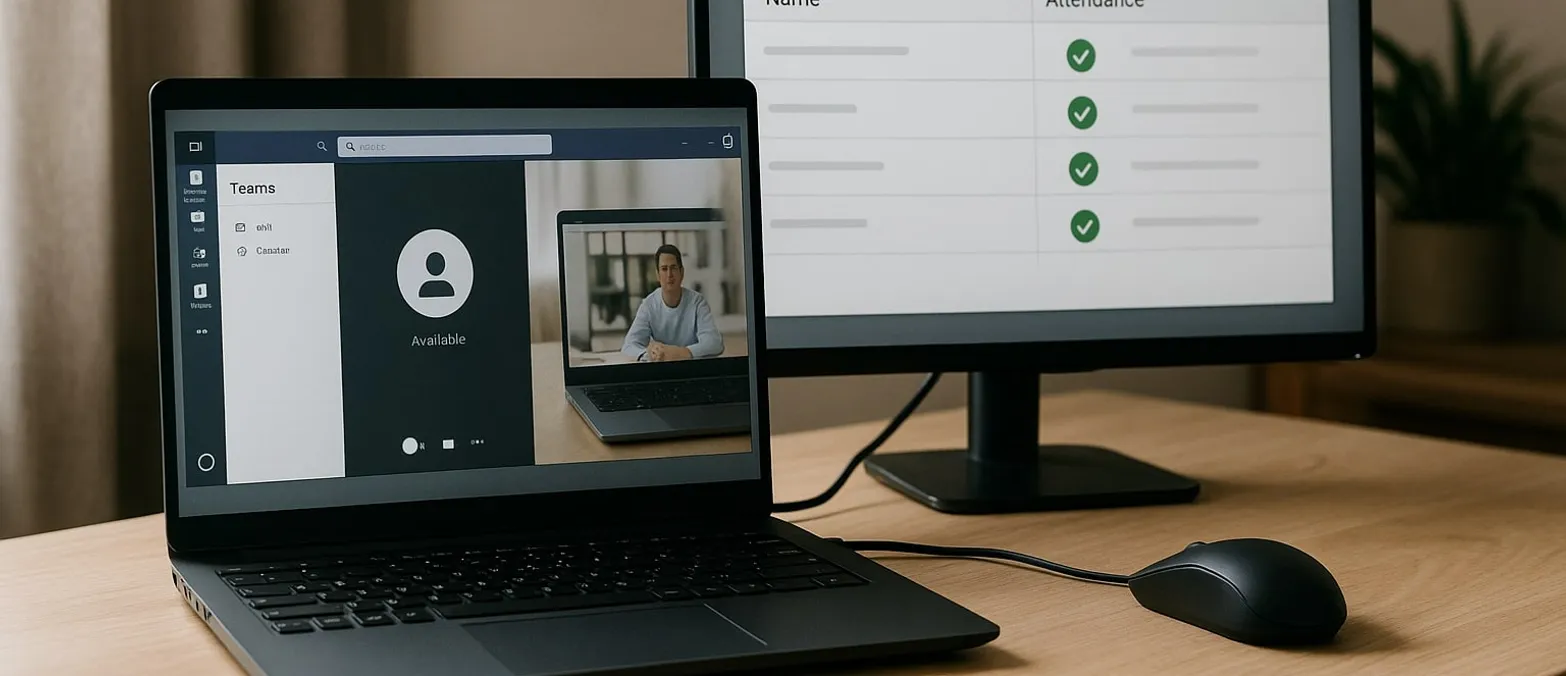
Full Control? Microsoft Teams Tracks Remote Work Attendance
Microsoft's Bold Move: Teams Tracks Employees' Whereabouts, Raising Privacy Concerns
In a controversial twist, Microsoft will introduce a new feature in Teams that can automatically detect whether employees are physically present in the office. Slated to roll out in December 2025, the software will use company Wi-Fi to verify attendance, potentially uncovering fibs about remote work. While the feature will be disabled by default and requires consent, critics are already dubbing it a "tattletale" software. Privacy advocates warn of significant legal conflicts with the General Data Protection Regulation (GDPR) and the German Works Constitution Act. The use of IP and MAC address tracking could erode trust in hybrid work models, with legal experts cautioning that such monitoring might infringe on employees' personal rights at work. Companies risk fines and a loss of trust if the tool becomes a means of control.
Transforming Teams into a Surveillance Tool
The upcoming feature in Microsoft Teams aims to put an end to the ruse of employees claiming to be in the office while actually working from their kitchen tables. By verifying user location through the corporate Wi-Fi, Teams will map out office attendance, using IP and MAC addresses for detection. Previously, users could set their location to "office" manually while enjoying the comforts of home. Now, such tricks will no longer fly. For those who found tranquility in at-home workspaces, this update represents a looming threat. With this tool, Microsoft shifts its collaboration platform into a surveillance device, offering employers clear insights into their workforce's actual presence.
The "Snitch" Feature Ends Work-from-Home Lies
This automatic location tracker works as a digital whistleblower, revealing home-office deceptions. By continuously checking the connection to the company's network, it ascertains through Wi-Fi data—such as SSID, IP, and MAC addresses—whether employees are actually on-site. Simple hacks, like renaming a home network, will be outsmarted by Microsoft's proposed verification methods. The software will automatically generate profiles showing who was in the office and when, making this information available to managers. While Microsoft promotes the feature as "neutral," critics argue it is the perfect employee surveillance tool, stoking a privacy debate amid a shifting landscape of hybrid work.
A Legal Time Bomb for Businesses
Attorney Niko Härting warns that the Teams surveillance tool could create legal headaches for companies, especially under GDPR regulations and labor laws. Consistent tracking is illegal without a substantial employer interest. In Germany, companies must draft a works agreement and obtain consent from works councils. Although GDPR requires voluntary and informed employee consent, concerns about job security might compromise true voluntariness. Misusing the feature for monitoring purposes exposes companies not just to fines but also to trust erosion and potential employee lawsuits.
Trust in Hybrid Work at Risk
By introducing such surveillance measures, Microsoft could jeopardize the trust painstakingly built in flexible work models, threatening to derail the work-from-home revolution. What once symbolized a shift towards trust-based work approaches after years of flexibility could now signal a retreat to traditional oversight methods. Experts caution that misusing this feature as a control tool could undermine confidence in hybrid models, potentially causing friction between advocates of strict in-office attendance and supporters of flexible work environments. Microsoft risks converting a collaborative tool into a symbol of corporate control, turning away from the ethos that Teams initially represented.
A Global Privacy Predicament
The global implications of this Teams feature extend far beyond privacy, evolving into an international privacy debacle impacting millions. Despite Microsoft's assurances that the functionality merely tracks "in office" or "out of office" status, it could generate detailed attendance profiles on each employee. Already utilizing geolocation for emergency services and call quality, this update significantly expands surveillance capabilities. IT administrators wield extensive control over employee movements, raising concerns about personal rights violations. Legal experts stress that ignoring privacy laws could lead to severe fines and trust erosion. The system's required deactivation and consent might offer little more than a semblance of security.
Microsoft's Gamble with its Own Legacy
With this feature, Microsoft risks unraveling the success story of Teams, a digital lifeline for businesses during the pandemic. Once a symbol of flexibility and trust, Teams now threatens to become a tool for authoritative oversight. Though Microsoft markets this as a way to improve hybrid collaboration, in reality, it sets up a mechanism for monitoring employees. The update for Windows and macOS, expected by December 2025, will test whether companies prioritize technological oversight or human trust. This decision might mark the end of the Home-Office era and inflict long-lasting damage to flexible work arrangements.
FAQ
Is Microsoft Teams free?
Yes, Microsoft Teams offers a free version for individuals without a subscription. This version includes unlimited group meetings up to 60 minutes, supports up to 100 participants per meeting, and provides 5 GB of cloud storage per user. Paid business versions include Teams Essentials at $3.70 per user/month and Teams Premium at $9.40 per user/month. Various Microsoft 365 packages for businesses offer Teams with advanced capabilities. The new surveillance feature is expected to be available across all versions.
What do I need to use Teams?
To use Microsoft Teams, you need a 1.6 GHz dual-core processor, 4 GB of RAM, and 3 GB of available hard drive space. A minimum screen resolution of 1024 x 768 pixels is required. Supported operating systems include Windows 8.1 or higher, macOS, iOS, and Android. A stable internet connection is essential. Teams can be installed as a desktop app or accessed via the web browser at teams.microsoft.com. The browser version offers limited functionality compared to the full desktop application, with mobile apps available for iOS and Android.
Can my employer read my Teams messages?
Yes, IT administrators can potentially monitor Teams chats, but only under specific legal conditions. Monitoring for work-related purposes is possible with appropriate company policies, but private conversations should remain private if personal use is allowed. Legal agreements and comprehensive employee communication are necessary. GDPR and personal rights must be strictly observed. Without consent from works councils and informed employee agreement, monitoring is legally problematic, particularly in light of the new location tracking feature.
Can you join a Teams meeting without installation?
Yes, Microsoft Teams can be accessed via a web browser at teams.microsoft.com without installation. While the web version offers essential features like video calls, chat, and file sharing, some advanced functionalities may be missing. Mobile apps for iOS and Android provide the full experience on smartphones and tablets. The desktop app delivers the best performance and comprehensive features. Guests can join meetings without an account through the browser. The new surveillance feature is likely to be included in all versions, regardless of installation method.
Headlines

Consent was never given.
You need to first accept consent to see this content from TradingView.